For me it’s the top one. In a web browser, when using CSS and JavaScript, x is the horizontal axis, y is the vertical axis, and z is for depth. Hence the z-index CSS property which determines depth.
I would say the bottom one only makes sense if the stick figure were to hover in the air and look downwards. Then the z axis would be depth for him.


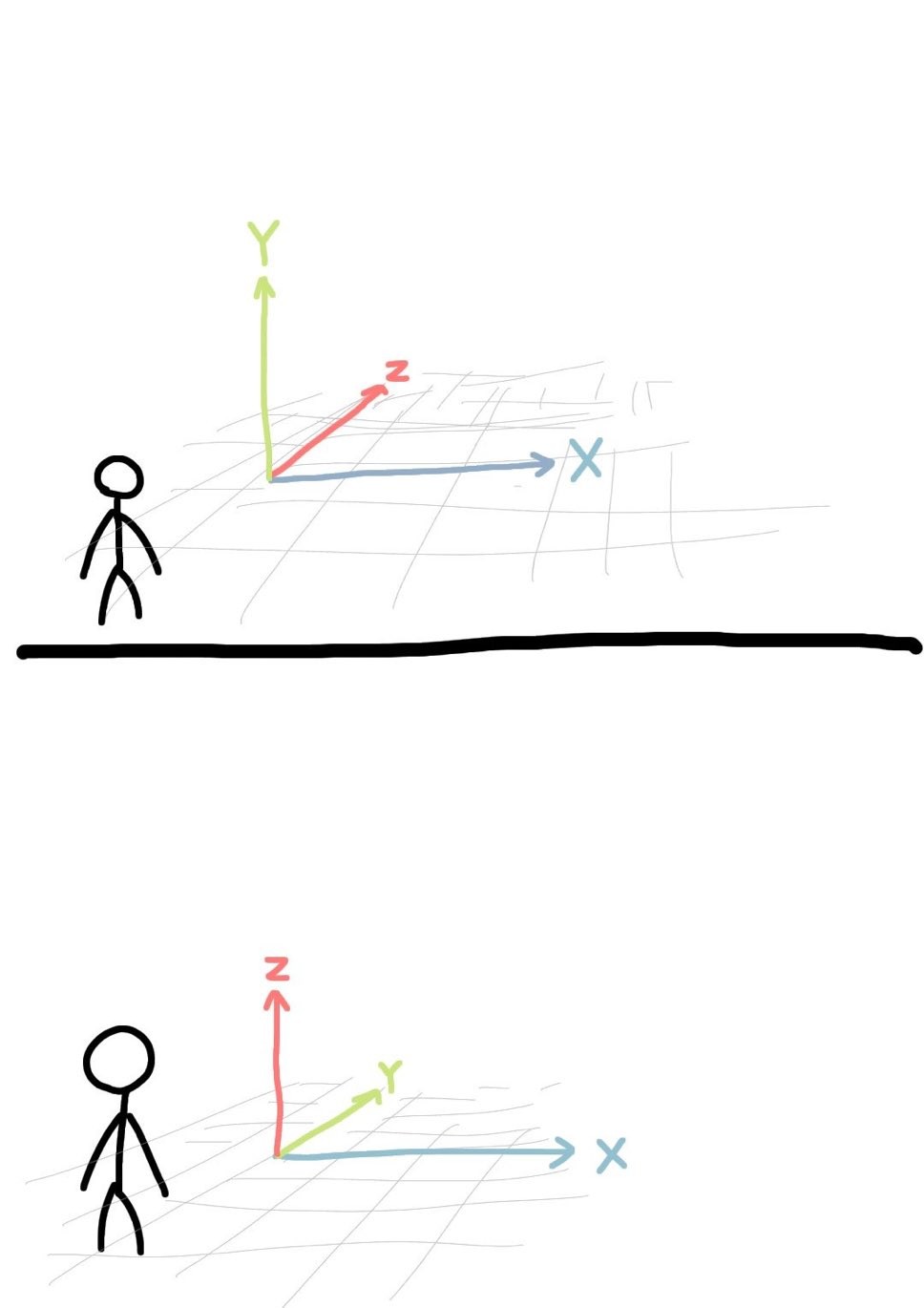
For me it’s the top one. In a web browser, when using CSS and JavaScript, x is the horizontal axis, y is the vertical axis, and z is for depth. Hence the
z-indexCSS property which determines depth.I would say the bottom one only makes sense if the stick figure were to hover in the air and look downwards. Then the z axis would be depth for him.